
How BidEngine works
From bid invite to submitted proposal — in one platform.
No more printing plan sets, no more spreadsheets, no more missed addenda. BidEngine reads the documents, builds the analysis, and hands you a clear recommendation. You make the call.
Step 1
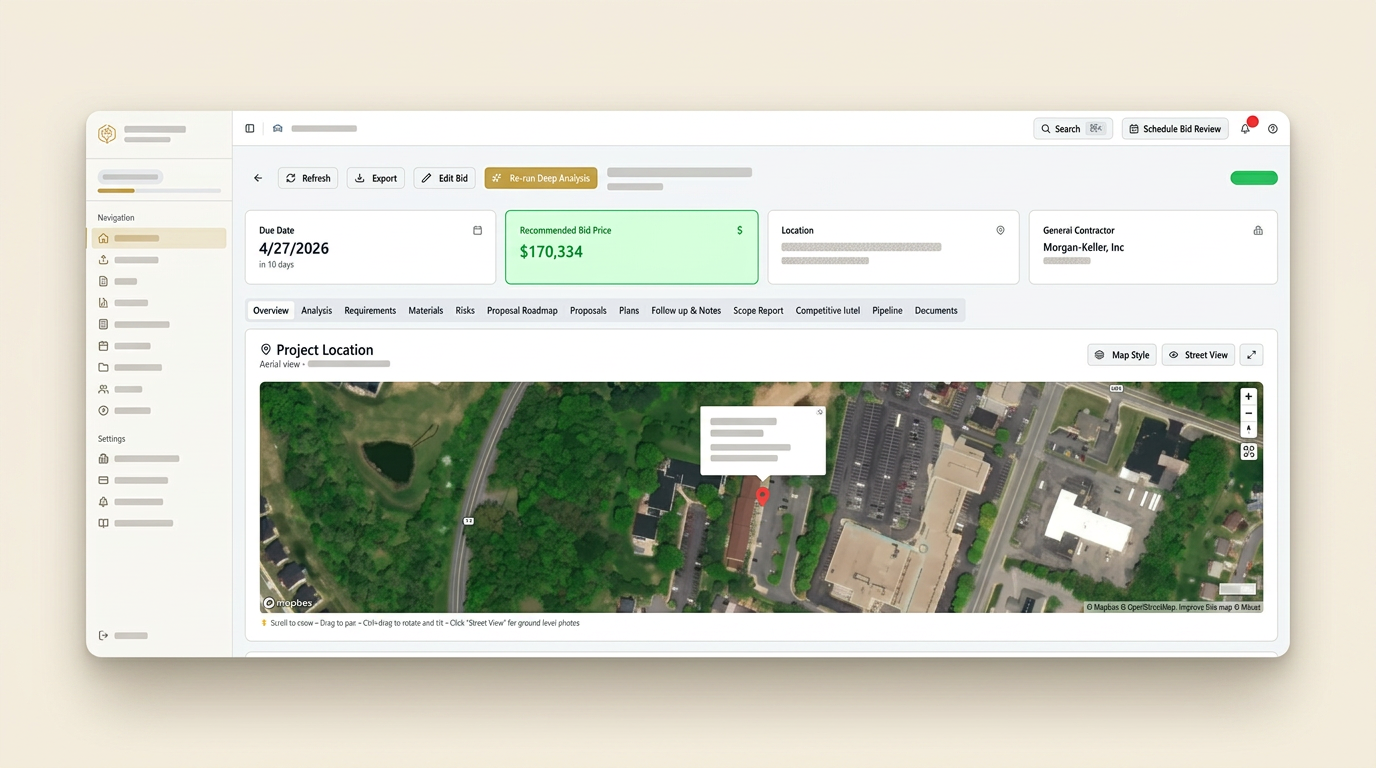
Upload the bid. That's it.
Upload the invitation to bid, plans, specifications and addenda into your company workspace. Review the detected deadlines and project details before continuing; unrelated or insufficient files are rejected instead of turned into an invented scope.
- PDF, Word, and full plan sets
- Automatic deadline and location detection
- Your whole pipeline in one view
Step 2
Review the scope and requirements.
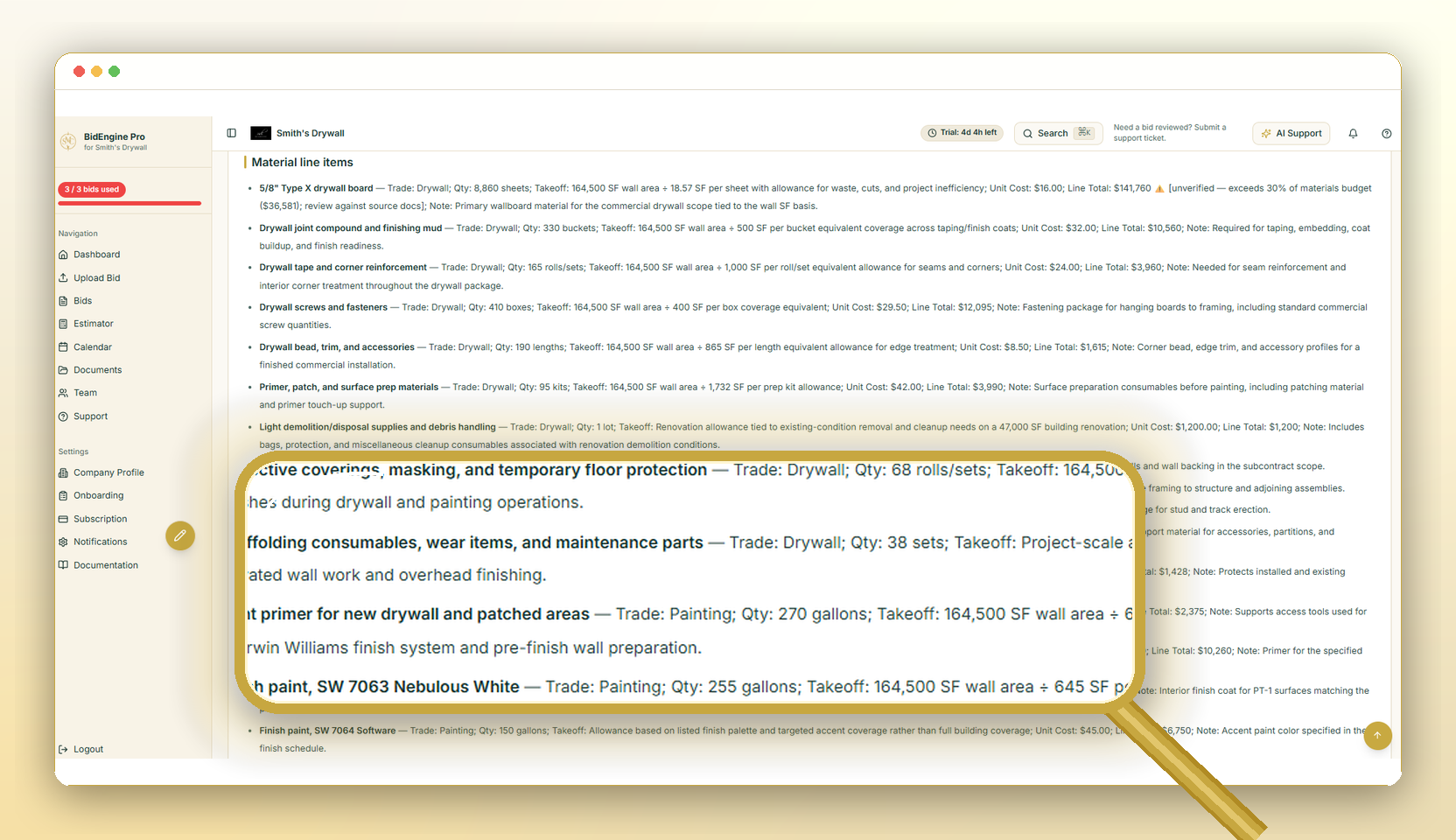
BidEngine analyzes uploaded bid documents to organize scope, deadlines, bonding, insurance and compliance requirements. Your team verifies the extracted details against the original files; AI analysis is a review aid, not a guarantee that every requirement has been found.
- Full scope summary in plain English
- Key requirements extracted as a checklist
- Addenda reconciled against the base documents
Step 3
Get a clear bid / no-bid recommendation.
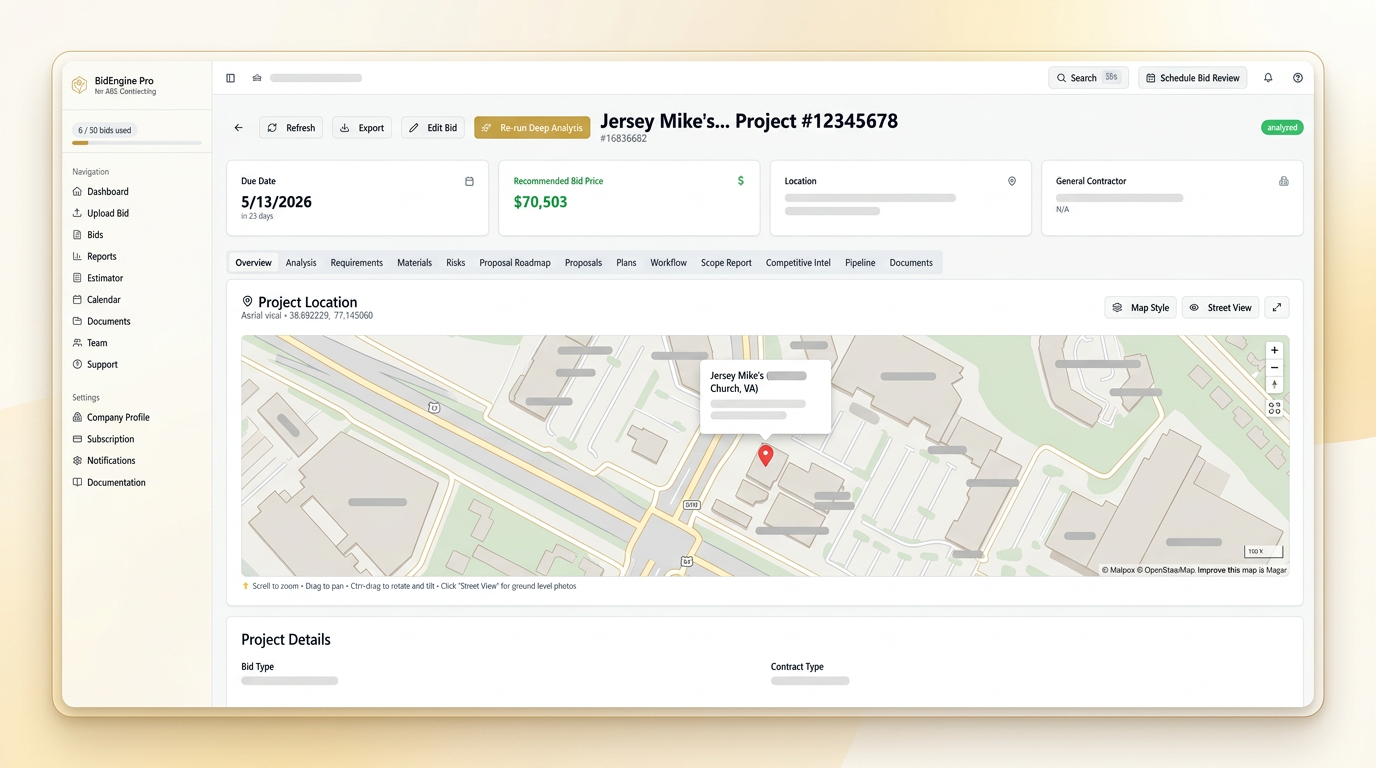
You get a recommendation backed by the documents: eligibility and compliance gaps, bonding capacity, risk flags, and a suggested price range based on your trades, your labor rates, and regional pricing — not a generic square-foot guess.
- Go / no-go recommendation with reasoning
- Compliance and bonding gaps flagged
- Recommended price range calibrated to your company
Step 4
Review, approve, and submit — all in one place.
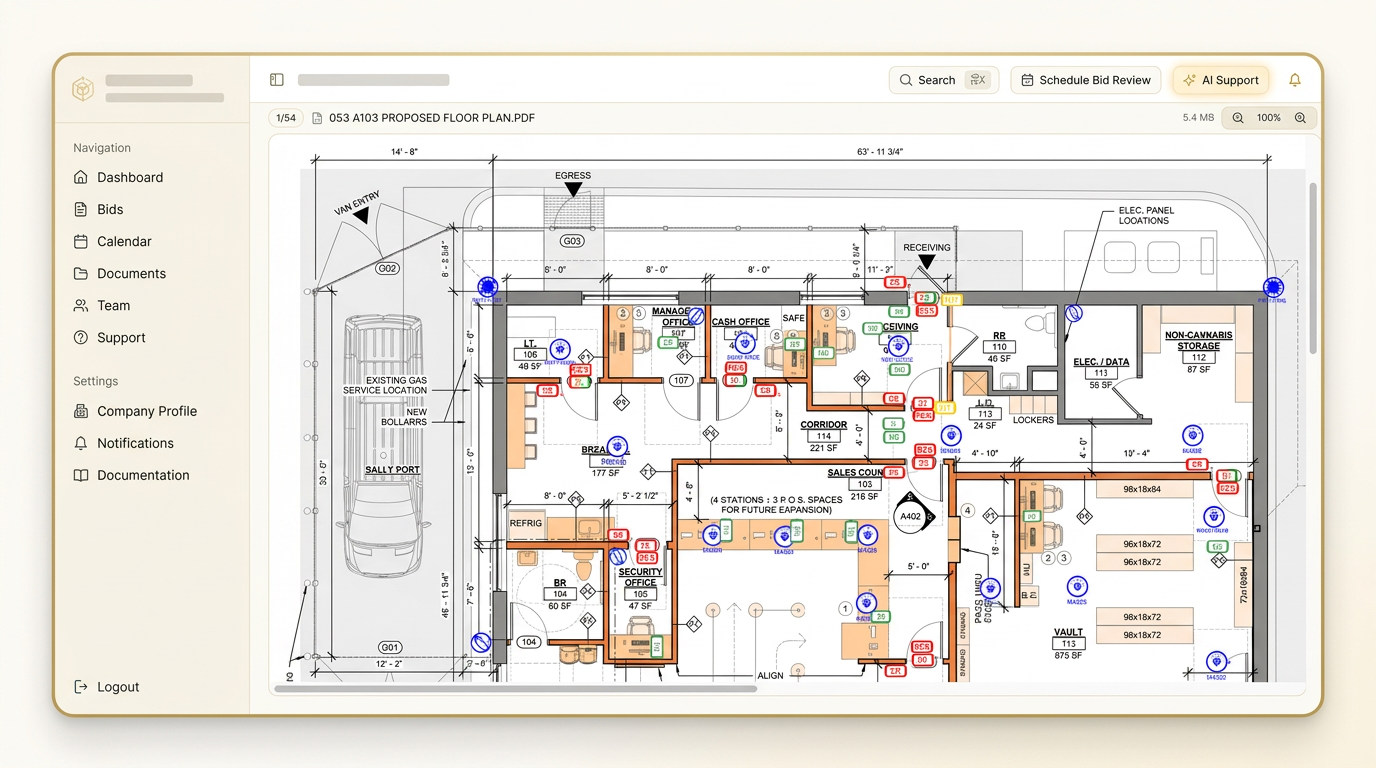
Review the project map, takeoff and estimate using your own company pricing. Confirm quantities and exclusions, approve the estimate, generate your company-branded proposal and record GC submissions and follow-ups. Approval alone does not submit a bid.
- Aerial site view and project intel
- Takeoff and estimate built from the plans
- One-click proposal generation and submission tracking
Your company pricing
Your bids. Your numbers. Your way of estimating.
Configure your trades, labor rates, margins and pricing method in your company profile. Review the quantities, assumptions and exclusions before approving an estimate. Your bid history stays connected to your company for informed review, not guaranteed automatic improvement.
Common questions
How long does it take to analyze a bid?
Most bids are fully analyzed within minutes of upload. Large plan sets with hundreds of pages can take a bit longer, and you'll see the status update in your portal as the engine works through the documents.
What kinds of documents can I upload?
Invitations to bid, RFPs, plan sets, specifications, addenda, wage determinations, and bid forms — PDF or Word. The engine reads all of them together and reconciles conflicts across documents.
Does BidEngine decide what we bid?
No. BidEngine gives you a data-backed recommendation — scope summary, key requirements, risks, and a suggested price range — but every bid decision stays with you. You approve or decline each opportunity.
Does it learn how my company bids?
BidEngine uses your company profile, selected trades, labor rates, margins and pricing methods. Past bids stay organized for your team's review; uploading winning bids does not guarantee automatic pricing improvement.
Don't have time to run it yourself?
Our managed bid team runs BidEngine for you — sourcing opportunities, building estimates, and submitting proposals on your behalf.
BidEngine · Construction bidding software
See the work. Then build your next bid.
Explore the public sample without a card, or start a trial with your own projects and pricing.
7 days · 3 bid analyses · Card required. Your selected plan renews automatically at $500/month (ACCEL) or $1,250/month (GROWTH) unless canceled before the trial ends. No setup fee.